Stay Informed: Updates, Events and Stories
Updates to Delivery+ in OneSearch and My Account


by UB LIBRARIES
Published December 29, 2025
Recent updates to Delivery+ have introduced clearer request options and improved tracking for users in OneSearch and My Account. These changes are designed to make it easier for users to place requests and understand delivery timelines.
OneSearch Changes
The Delivery+ request process now uses larger, more prominent buttons instead of text links, making request options easier to find and select.

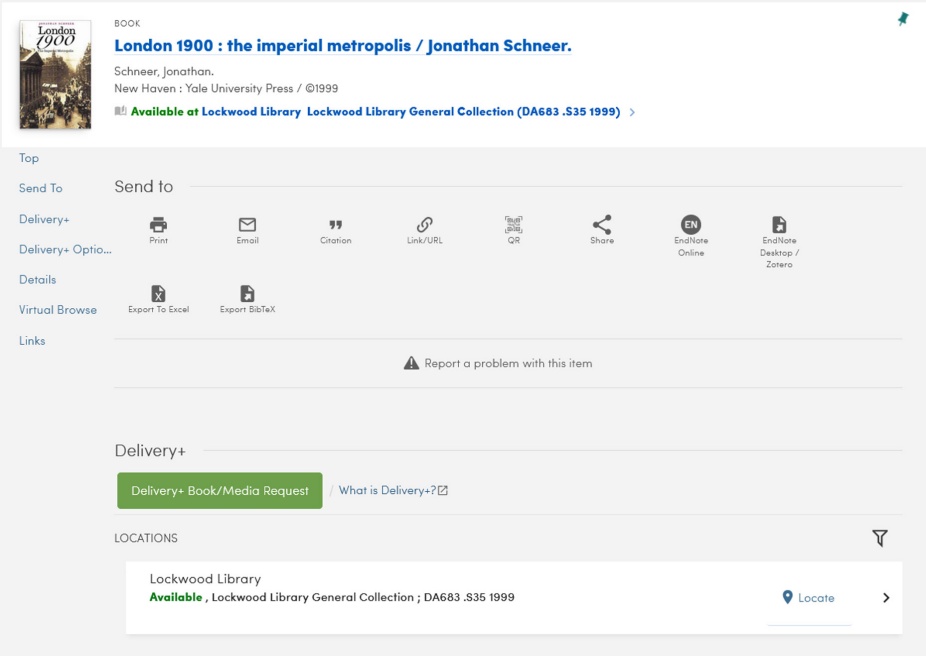
Hold requests now appear as a clearly labeled button under Delivery+ rather than a text hyperlink.

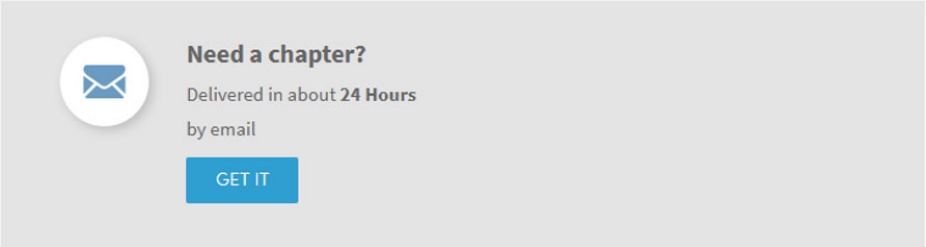
Chapter scan requests include a button under Delivery+ options, along with an estimated delivery time.
Article requests for items not immediately available now display a request button with an estimated delivery time.

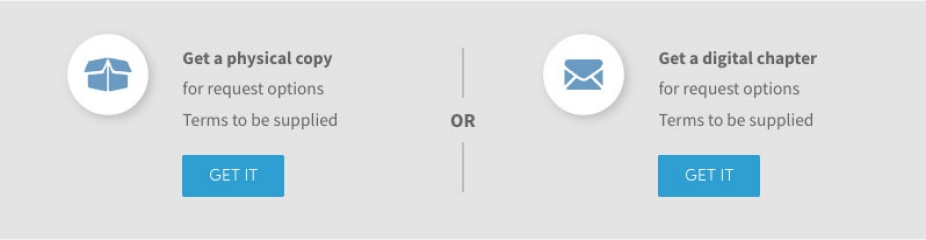
For books not owned by the Libraries, Delivery+ options now include a button to request a physical copy, with the estimated delivery time and loan period, or a chapter scan, with an estimated delivery time.
These updates provide users with clearer choices and more transparency about how long requests may take to fulfill.
My Account Changes
Requests appear under the Request tab in My Account.

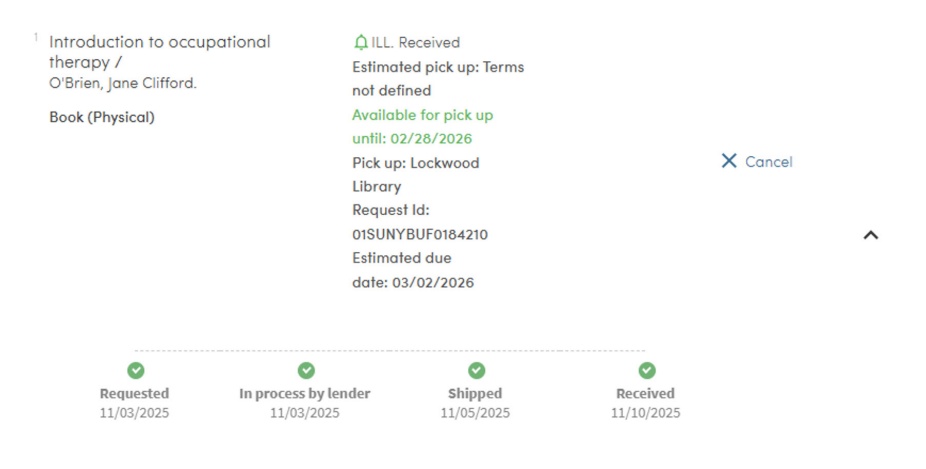
Each request includes a progress tracking bar, allowing users to see where their request is in the process.

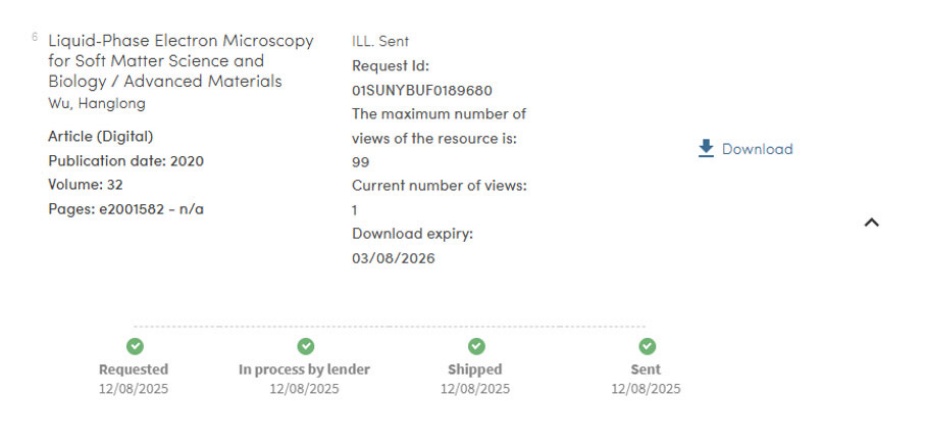
When article or chapter scan requests are ready, a download link will display directly in My Account.
Together, these updates improve the overall Delivery+ experience by simplifying requests and giving users better visibility into request status and delivery timing.