Chrome - Windows
1. Press the keys [Shift], [Ctrl] and [Delete]. Be sure you press all the keys at once.
2. A new window opens: Delete browsing data
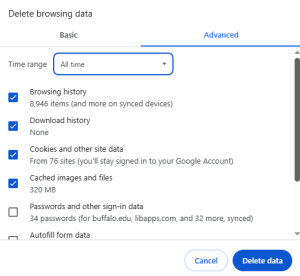
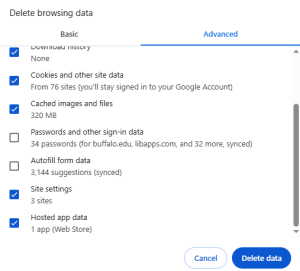
3. Submit your selections by clicking the Delete data button.
4. Refresh your site.
Chrome - Mac
The easiest way to get rid of the cache data in Google Chrome (MAC) is the option Delete browsing data. You can access this function with the following shortcut:
1. Press the keys [Shift], [Command] and [Delete]. Be sure you press all the keys at once.
2. A new window opens: Delete browsing data.
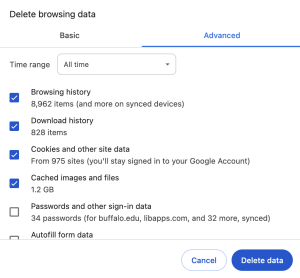
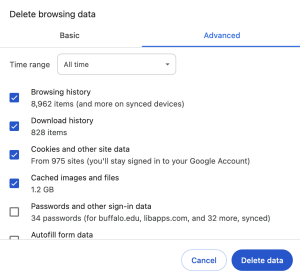
3. Submit your selections by clicking the Delete data button.
4. Refresh your site.
Chrome - iOS
1. At the bottom right, tap More (•••) then Settings.


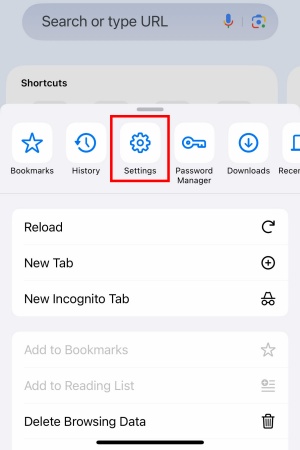
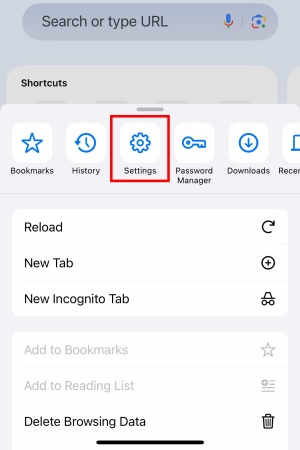
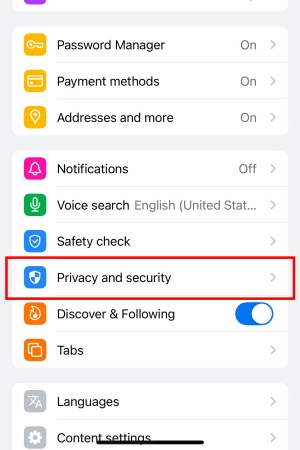
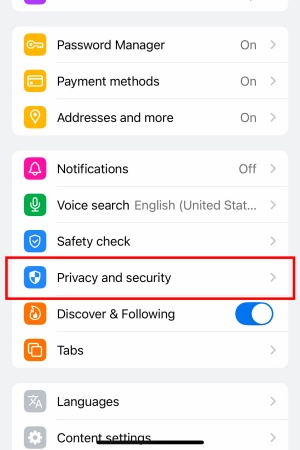
2. Tap Privacy and security.
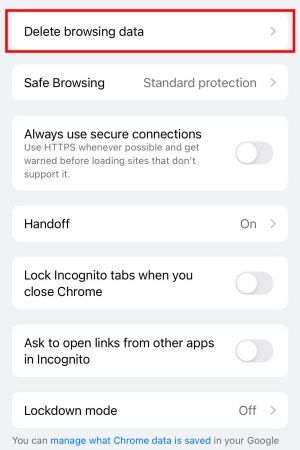
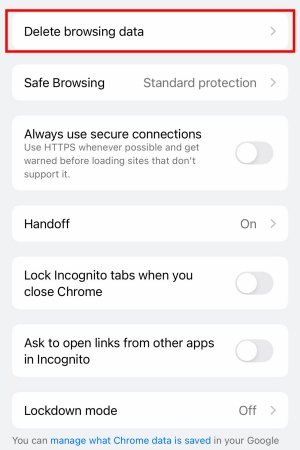
3. Tap Delete browsing data.
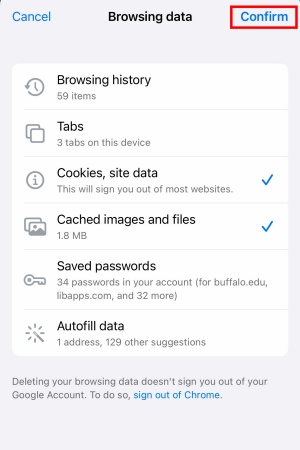
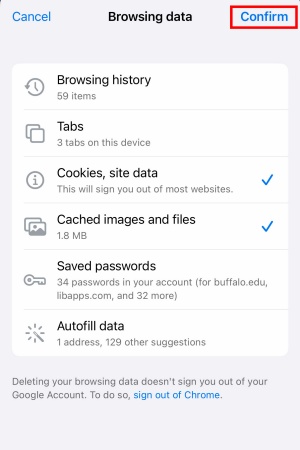
4. Check Cookies, site data and Cached images and files. Uncheck the other items.
5. Tap Confirm.
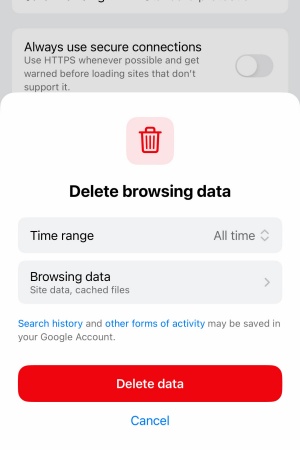
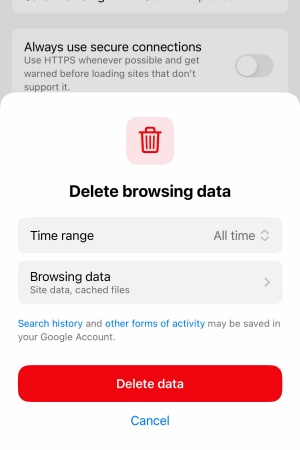
6. Tap Delete data.
7. Exit/quit all browser windows and re-open the browser.